Mapping My Travels
12/17/2025 / 2 minutes to read / Tags: projects, webdev
I wanted a central place to visualize my travel and projects. This was built using Gemini CLI.
The Tech Stack
The map is built using Leaflet.js, integrated into an Astro component. One of the key goals was performance; I didn’t want to slow down the site by loading massive GeoJSON files on every page visit.
To solve this, I wrote a custom processing script in TypeScript that runs at build time. This script:
- Reads my travel logs from simple CSV files.
- Simplifies complex GeoJSON data for countries and states to keep file sizes small.
- Injects my travel status (Lived, Visited, Transited) directly into the map data.
- Generates optimized JSON artifacts that the browser can fetch only when needed.
New Features
In the latest update, I’ve added:
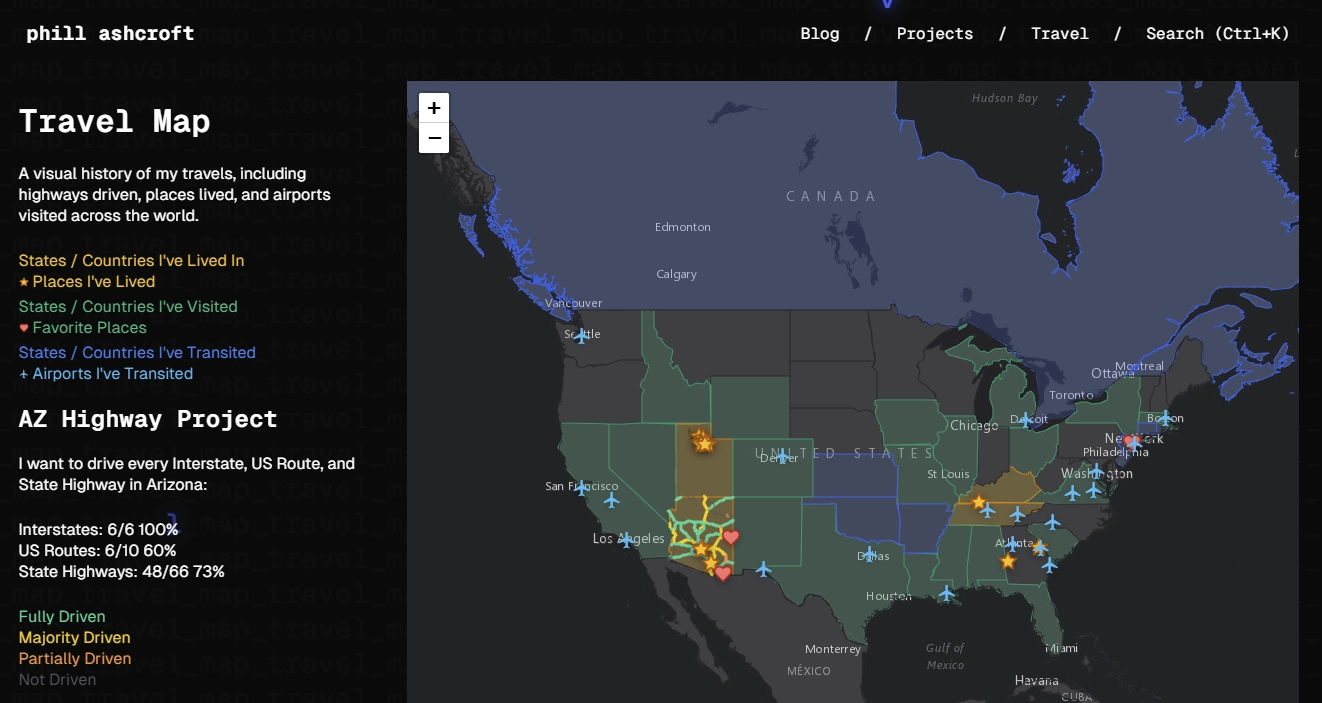
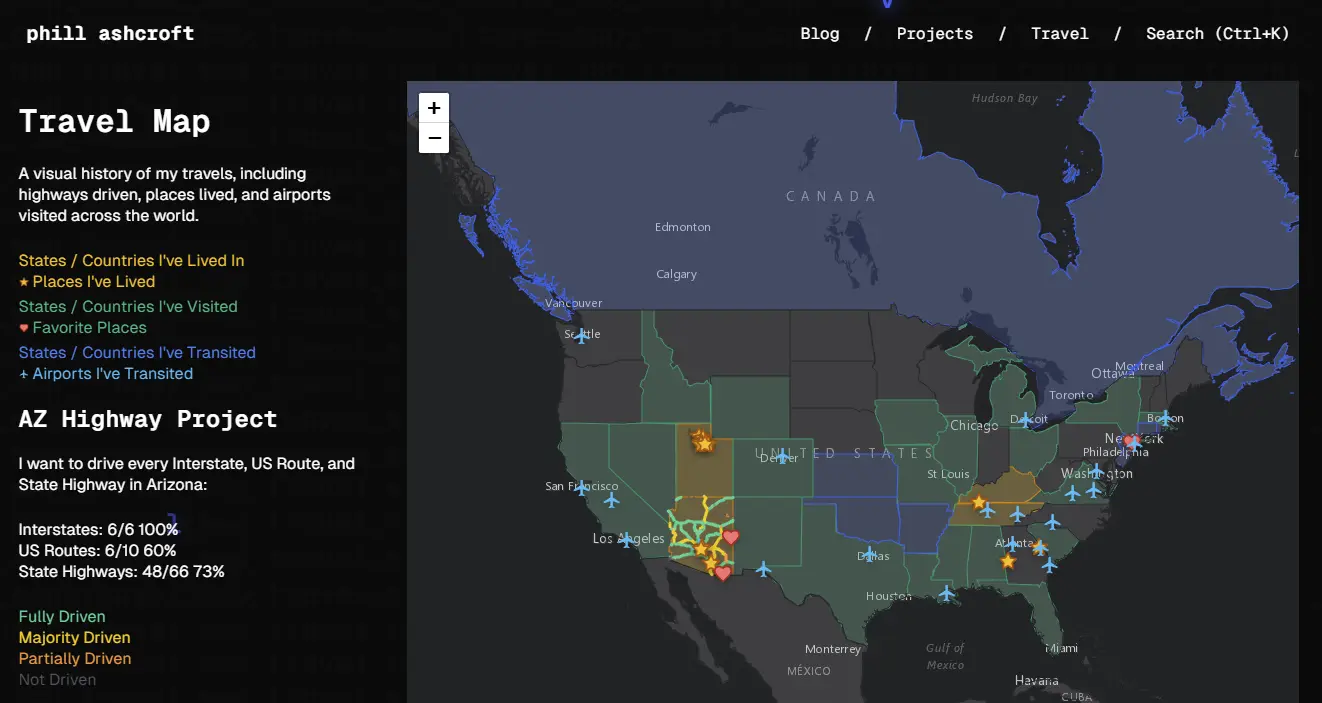
- US States Layer: Color-coded visualization of states I’ve lived in, visited, or simply transited through.
- Favorite Places: A new layer featuring custom icons for locations that hold special meaning, complete with personal descriptions.
- Live Stats: A “Legend” panel that not only explains the map colors but also tracks my progress on the “AZ Highway Project”—my goal to drive every Interstate, US Route, and State Highway in Arizona.
- Airport Log: An updated database of every airport I’ve transited through, from PHX to ICN.
The result is a fast, interactive experience that serves as a living record of my journeys. You can check it out live on the Travel Map page!
← Back to blog